What Zenith Calendar is
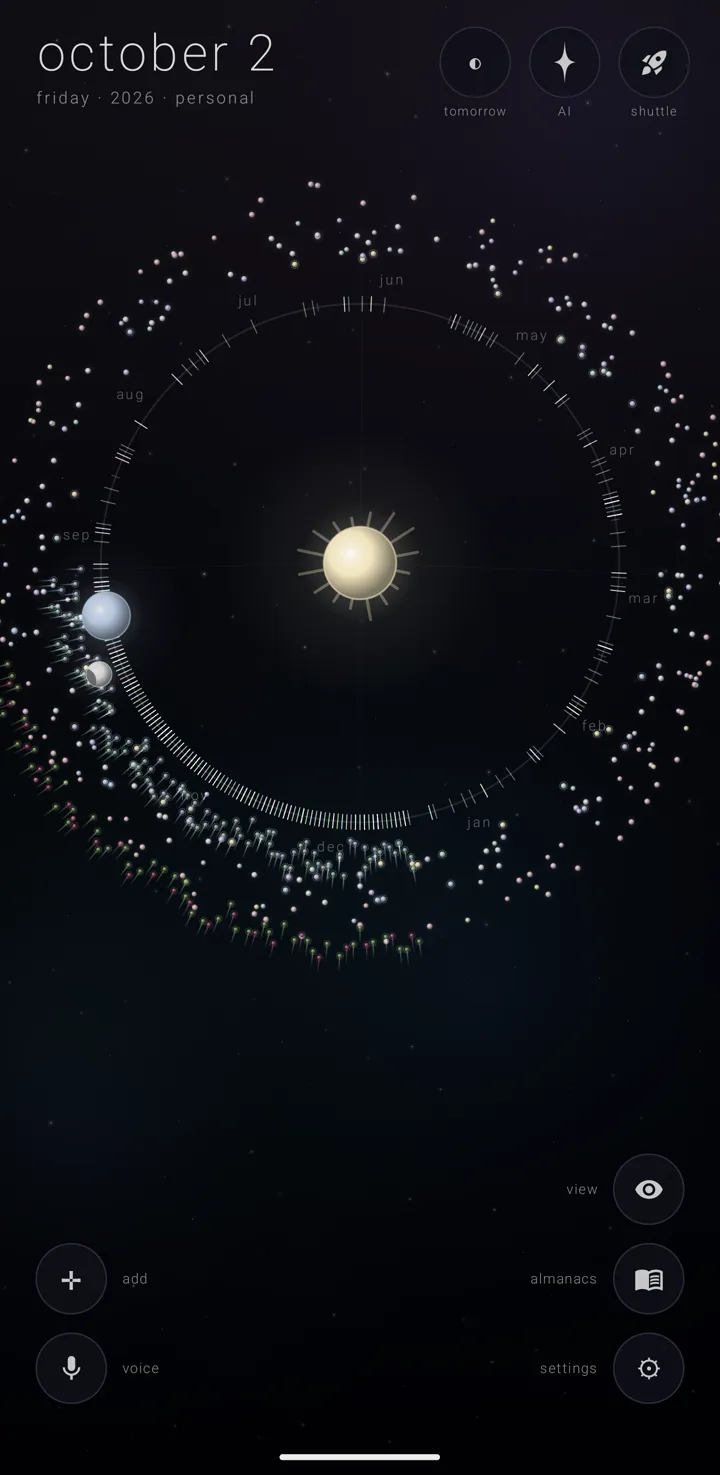
Zenith Calendar is a calendar drawn as a sky. The year is an orbit round the sun. Each thing you have to do is a commitment — one event or task — drawn as a body on that orbit. Your calendars are almanacs — named, coloured layers of commitments — and you keep them in order in the binder, the page where every almanac stands.
The drawing is not decoration over a calendar. It is the calendar.
One sky, five views
The sky — the whole app, one canvas — becomes five views. The year shows the whole year as a ring round the sun. The app opens here. The years tips that ring on its edge into a ladder of years. The day draws one day as the earth, read like a clock. The week puts a week under its moon. The month is a grid of six rows of seven days. You move between them by touching the sun, the earth and the moon. See The sky and Moving between the views.
Which version this guide describes
This guide describes Zenith Calendar 1.2.0 (10200). It runs on Android 8.0 or newer.
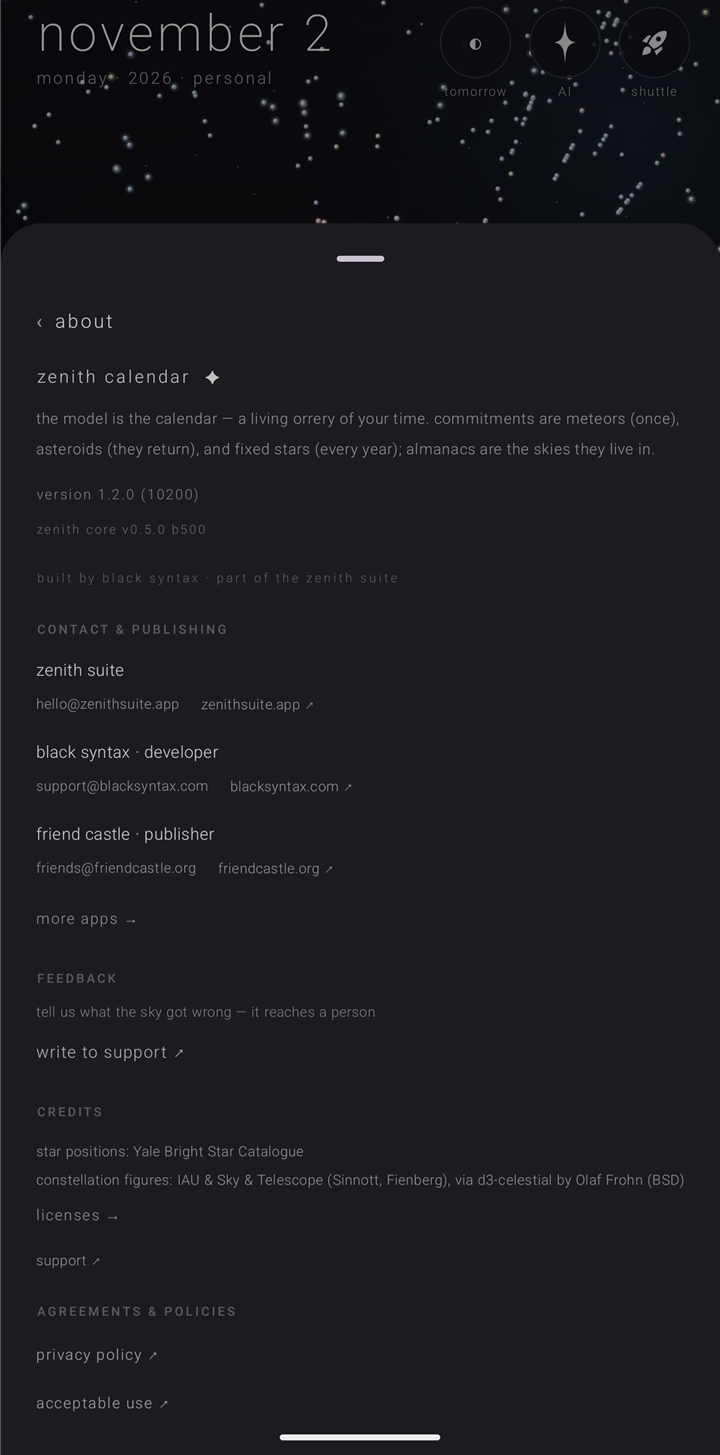
To check yours, open settings › "about". Hold the gear ⚙ in the bottom-right corner of the sky to open the whole settings book first. The about page shows the version, and under it the version of the shared Zenith layer the app was built with. That second line matters because half of what a suite app depends on comes from that shared layer. The same page holds a one-sentence description of the app, three contact rows, the credits for my sky's stars, the agreements, and a crash report if one was ever written on this phone.
Your calendar stays on your phone
The calendar has no server of its own. What you keep lives in the app's private storage on this phone. The phone's own calendars are read on the phone, and nothing read from them leaves it.
Some things do go out, but only to a service you chose or to your own account: ask the sky (the built-in assistant), Drive, travel into Google, the weather, and searching for a place on the map. See Privacy, permissions & what leaves the phone.
One of eight Zenith apps
Zenith Calendar belongs to the Zenith Suite, a family of eight apps: Zenith Launcher, the Zenith Icon Pack, Zenith Mind, Zenith Tasks, Zenith AI, Zenith Calendar, Tulpa and the Zenith Journal. Each one works alone.
Installed together, they share a little through a private doorway inside each app — one only apps signed with the suite's own key can open. All of it happens on the phone. Nothing in this arrangement reaches the internet.
What they share:
- your AI service keys, so a key typed in any Zenith app also works here
- a few suite-wide settings, such as whether Zenith's interface sounds play, and the suite's master AI switch
- who the assistant is and what it sounds like
- the Shuttle — the suite's shared tray for passing things between Zenith apps
- your connected Google accounts
What they never share is Zenith Gold. See How the calendar fits the suite.
Zenith Gold
There is one edition of the calendar. Zenith Gold — the one-time paid upgrade — opens it in full for $1.99, once. It is never a subscription. It belongs to this app alone: buying it here unlocks no other Zenith app, and buying Gold there unlocks nothing here. The app says it in one line: "calendar gold stands alone — $1.99, once, this app's forever".
Gold opens nine things:
- more than three almanacs of your own
- sending one almanac out as a file, or taking one in
- chat memory, so the assistant remembers your talks
- every sky beyond "clean", "mono" and "pastel" — seven more, including the living iridescent one
- my sky, the real stars over where you are
- the vivid colours
- a picture as an almanac's mark
- folds and tablets
- other calendar systems
What stays free: every view, every kind of commitment, reminders, the widget, the tile, cielo (the assistant's voice), and backing up your whole calendar and restoring it. The three free almanacs count only the ones you make or bring in. The almanacs the app ships with never count, and neither do the demo almanacs — almanacs already filled in, to look around in. See Zenith Gold in the calendar.
How this guide writes things
Every control is named by the label it wears on screen, in the app's own lowercase, in quotes — "✛ a commitment", "into the pyre". A path through the settings book looks like settings › "about". A glyph is named the first time it appears on a page, like the gold star ✦. Anything Gold opens is tagged (Gold).
See also.
Your first five minutes · The sky · Zenith Gold in the calendar · The Zenith Suite & broker